
The “Show me around” guided tour
Quick answer
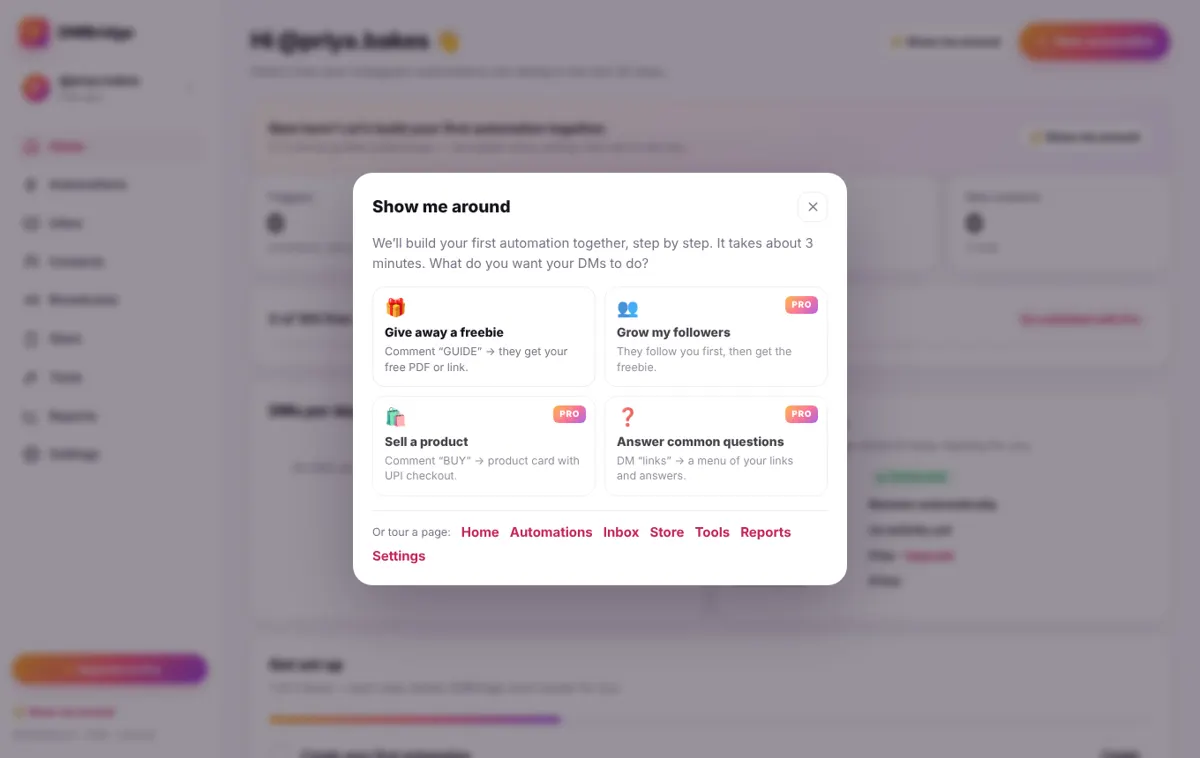
Click 🧭 Show me around on your dashboard (Home, the sidebar, or More on mobile). Pick a goal, and DMBridge guides you through each setting with a progress bar, then helps you test the automation for real.
What the tour covers
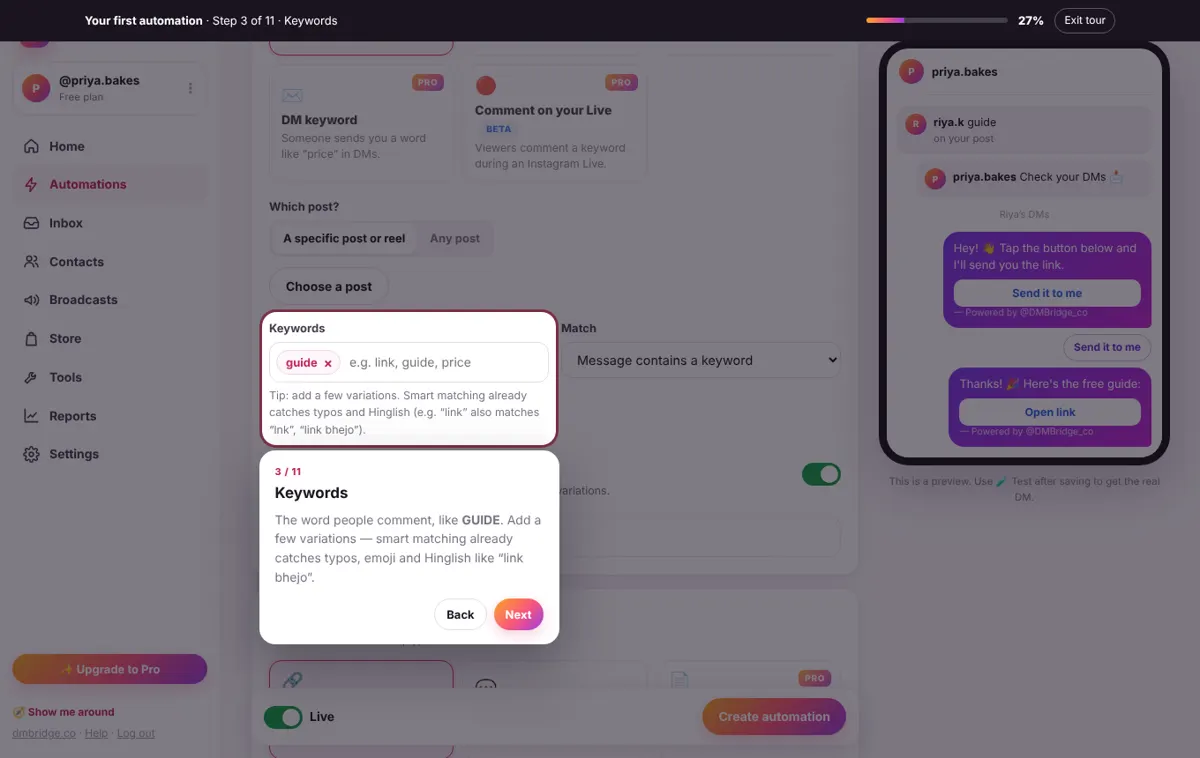
- Choosing a trigger and the right post
- Keywords and smart matching
- Choosing what people receive, with the live preview
- Followers only, public replies and extras
- Going live — then a real test from a second account, with a ✓ when it triggers
Pause and continue
Click Exit tour any time. Your progress is saved — Home shows Continue your tour.
Page tours
The same menu has short tours of Home, Automations, Inbox, Store, Tools, Reports and Settings.
Related articles
🚀 Getting started
What is DMBridge?How to connect your Instagram accountCreate your first automation (step by step)The “Show me around” guided tourHow to test an automationFree vs Pro: what’s includedStill stuck? Email [email protected] — we usually reply within a day. · All help articles
Try DMBridge free
Connect Instagram in 30 seconds. 100 auto-DMs a month free — no card needed.
Continue with Instagram